Assessment Integration for Enterprise Ed Tech Platform
Company: HMH × NWEA
Role: Senior UX Designer
Time Period: 2024-2025
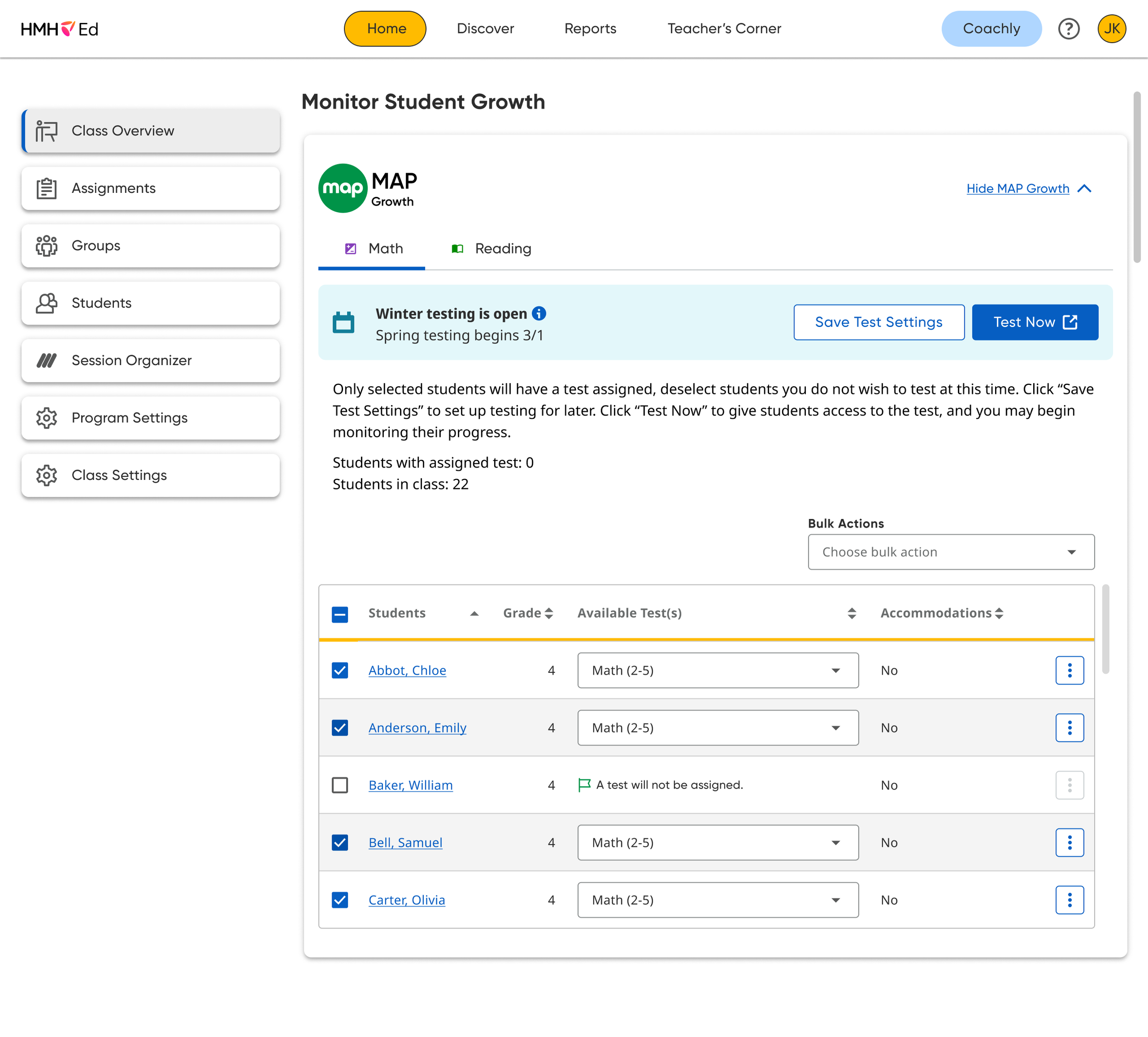
This project delivered three new workflows and a UI on HMH’s platform (Ed), integrating and modernizing the NWEA experience for teacher test setup, student testing, and teacher test monitoring on the Ed platform. This eliminated the need for teachers to maintain two sets of login credentials and provided a lightweight testing experience that will enable test data to be gathered more quickly for use across other Ed features.
I worked with a 10+ stakeholder team across three business units (Intervention Products, Ed Reporting, and NWEA) to deliver the MVP.
I received problem statements and early-stage workflows from the planning team; I partnered with product and engineering to define use cases, understand technical constraints, and build new workflows.
I partnered with the UXR team to build user research studies and analyze the data.
I built detailed working prototypes for stakeholder communication and research artifacts. I applied existing design system components to build new features into existing pages, partnered with the DS team for new components, and handed off the final design to development.
Project Overview
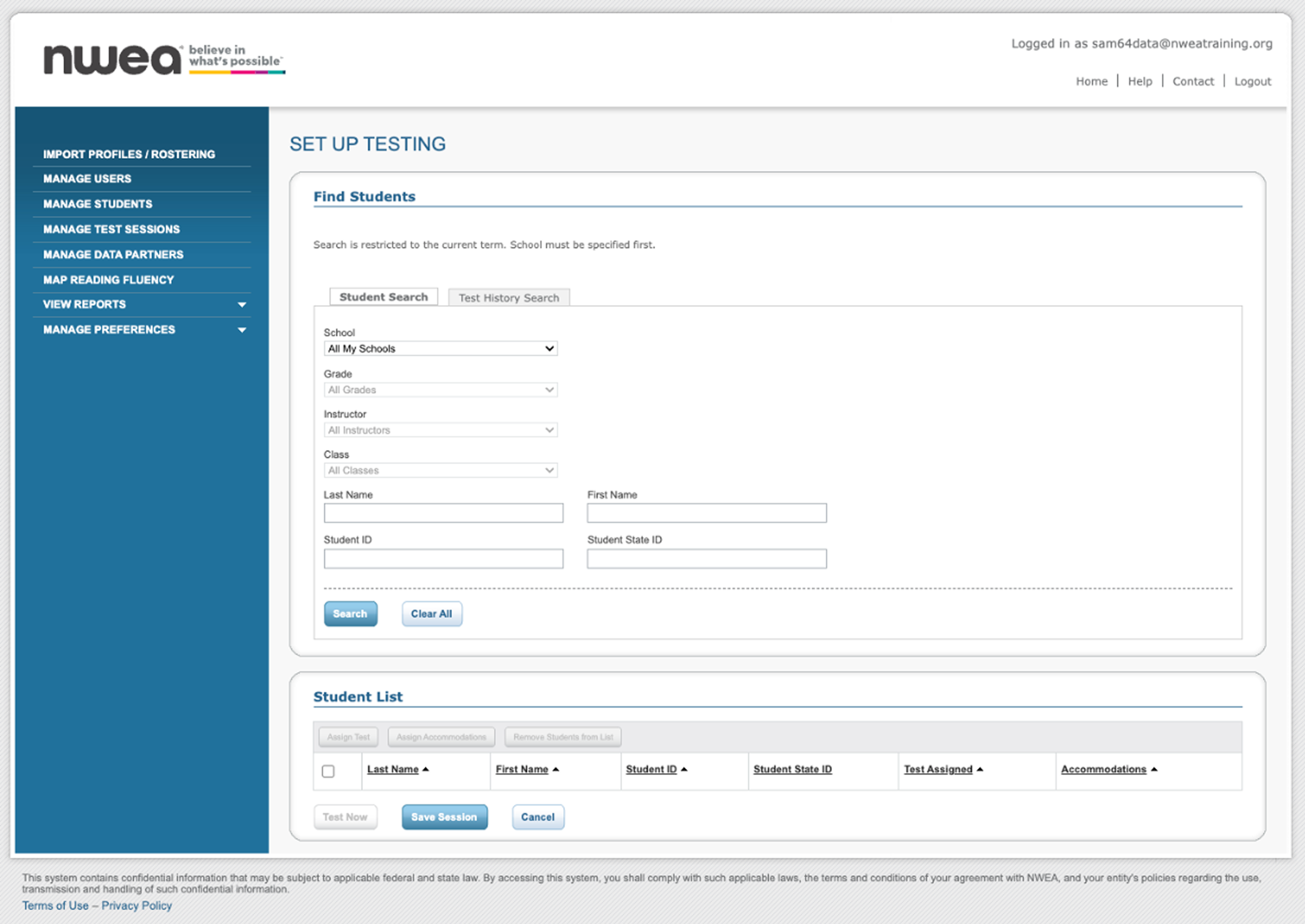
Teacher Test Set Up (Before)
Teacher Test Set Up (After)
Why was this important for the business?
The business had promised integration to the investors who funded the NWEA purchase, and future feature plans required MAP testing to live in the Ed environment for some use cases.
HMH’s long-term platform vision required assessment and instruction to live in the same environment.
HMH was seeing diagnostic testing in as simple as 3 steps from competitors.
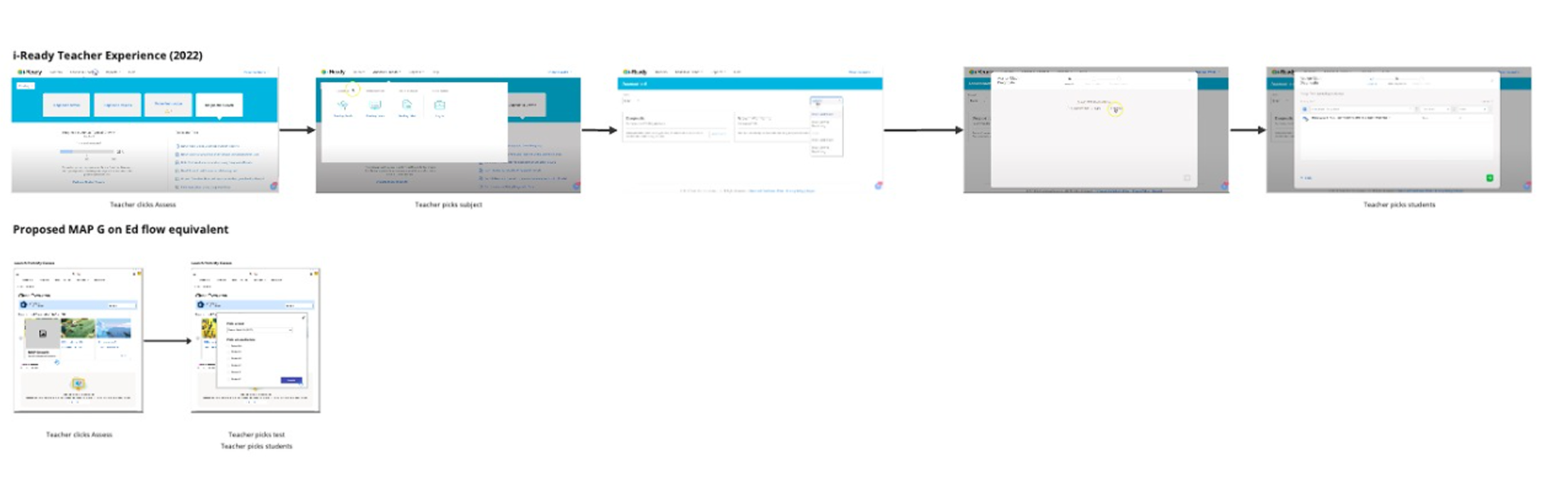
low resolution screenshots from the exploration process. Competitor experience vs proposed Ed experience.
Why was this important for the users?
User research showed that teachers found the NWEA test setup process long and difficult, and new users from Ed did not understand how to access and use the NWEA MAP testing process.
Teachers were required to leave Ed and log in to NWEA to set up MAP test sessions. Depending on the test-setup method the school district adopted, this could range from 7 to 12+ steps.
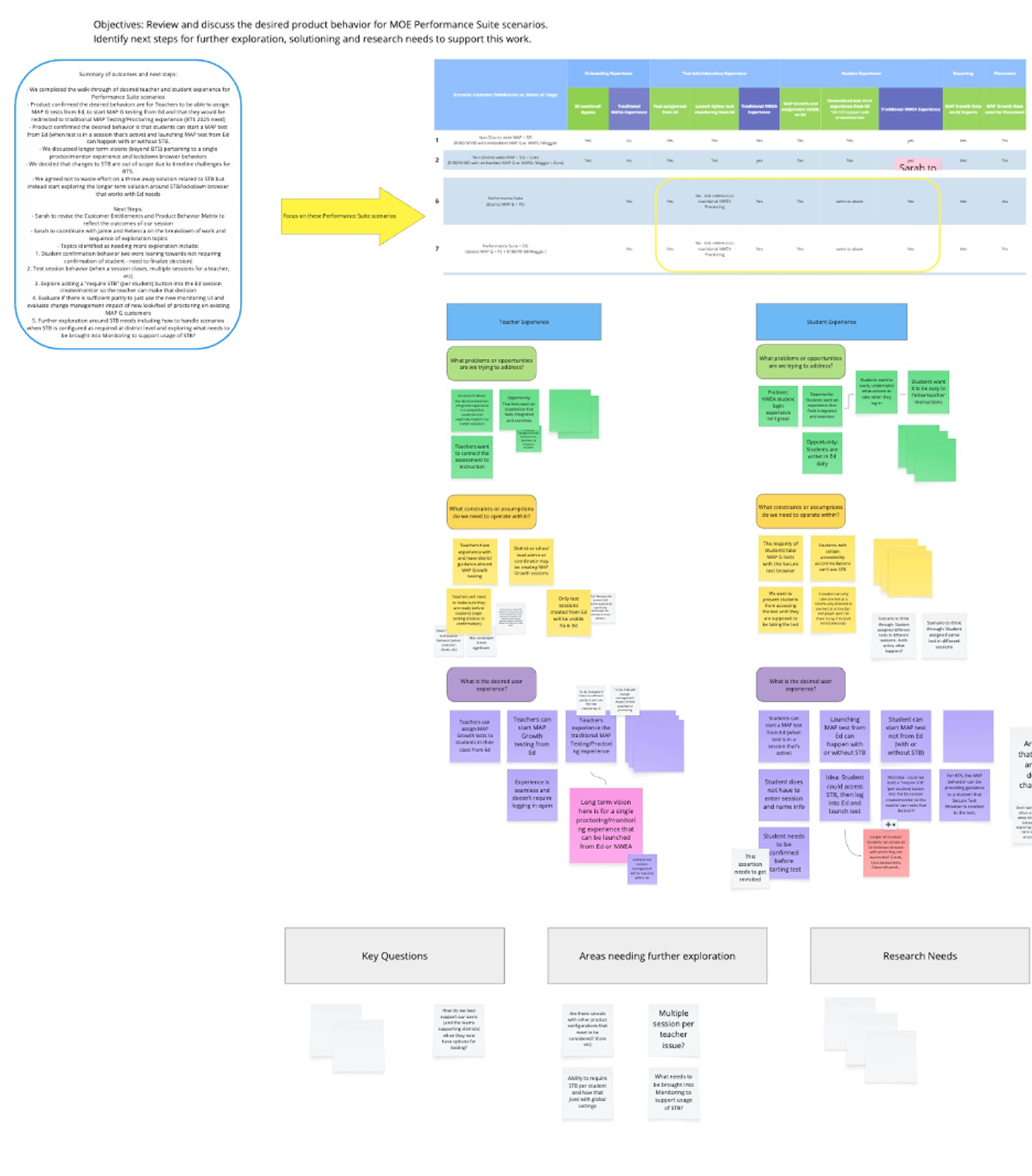
low resolution screenshots from the exploration process. Evaluating use cases and user needs.
How Did I Go About It?
I mapped out updated workflows and discussed them with the product team to ensure we met all requirements and helped teams understand what needed to be built.
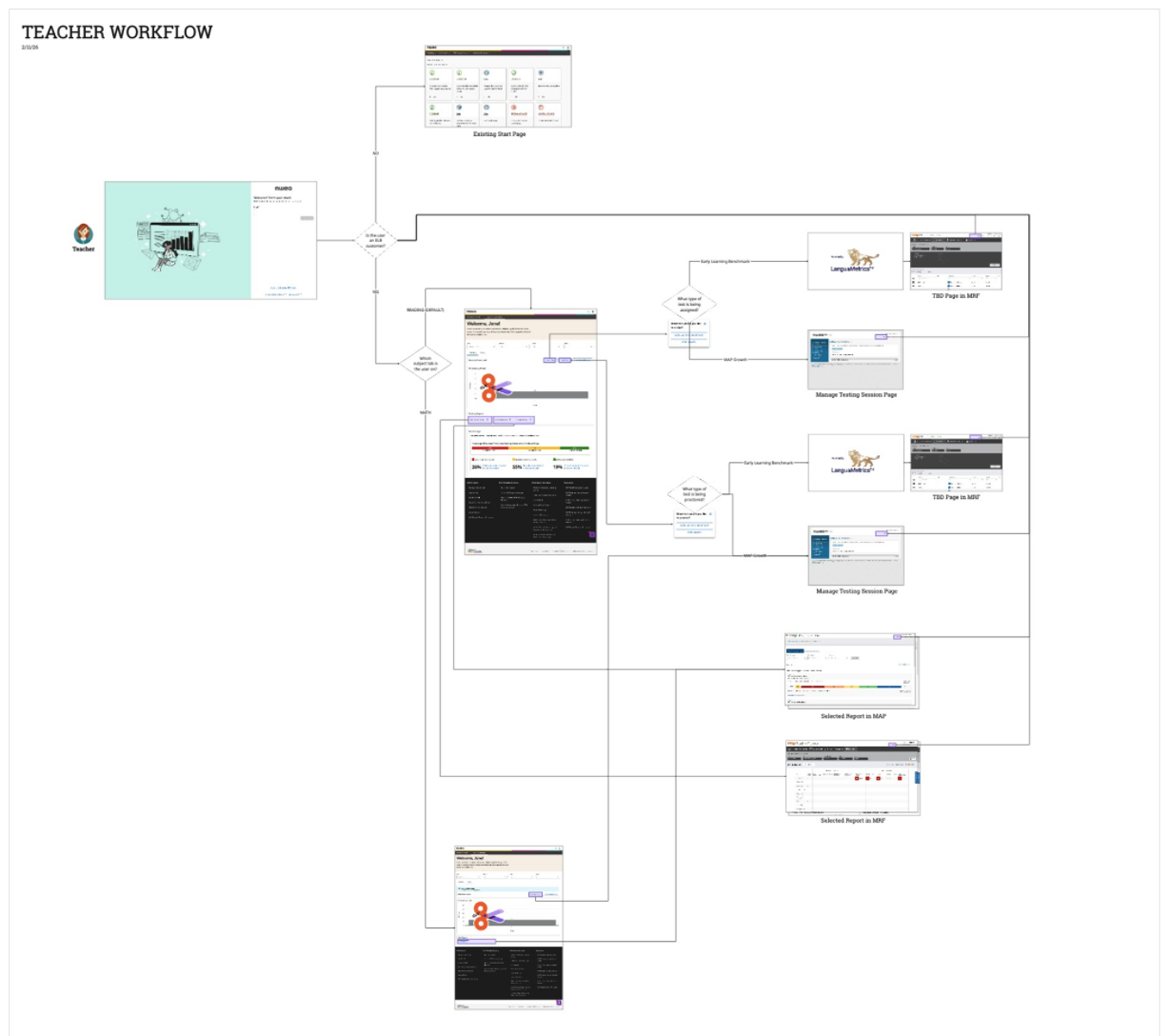
Sample workflow, not from this project, files unavailable.
I explored alternate layouts and approaches for the features. Here are a couple early iterations using design system components.
Student tiles store test types and accommodations over time, so you can easily pull any student into a test session.
Modify existing flow teachers already use to assign tests
I built out prototypes for UXR stimuli. We wanted to determine how interactive we could make the workflow. What could we move forward from the “add students” page to the class overview widget?
Research showed that users could use and understand the additional features we moved from the “add students” page to the widget, which helped us refine the workflow and focus on building a widget that met all functionality requirements.
UXR prototype build out of two levels of interactivity
I built the final components and edge-case states and worked with the development team to ensure they were built correctly, using the right design system components and workflow steps.
Final designs for test set up.
Final designs for test session monitoring.
Outcomes
What didn’t land:
Rostering and identity work did not land as planned, which, in some districts, meant students were not properly provisioned in NWEA and could not access testing.
This limited adoption, despite the UX design functioning as intended.
What worked:
Time to testing was reduced (down from 7+ steps to 4)
Teachers could set up and launch MAP tests without leaving Ed
Default recommendations reduced incorrect test assignment
UX research showed ease and satisfaction levels as high (4-5 on our scale of 1-5)
The experience supported the most common in-class testing workflows and met the business needs for integration.